One of the key compositional elements in flower photography is the relationship between your subject and the background. Photographers often choose to blur the background to emphasize the main subject—the flower. A sharp background can distract the viewer and compete for attention. Blending blur is a post-processing technique that allows you to control the amount and placement of background blur after the images have been captured. It offers greater flexibility than relying on a single image taken at a specific aperture, particularly when the plane of focus is not exactly where you want it.
The technique involves capturing two images of the same composition. The first image is taken with a small aperture (e.g., f/16) to achieve a large depth of field, keeping most or all of the flower in focus, and often the background as well. The second image is captured with a wide aperture (e.g., f/2.8), producing a shallow depth of field in which only a small portion of the flower is sharply focused while the rest of the scene is softly blurred.
The two images are then blended during post-processing, allowing you to determine which areas remain sharp and which areas appear out of focus. This is typically accomplished using layer masks in software such as Photoshop, as illustrated below. For best results, use a tripod to ensure that both images have identical composition, camera position, and exposure settings.
In the example below, the first image was captured at f/11, providing a relatively large depth of field. The second image was captured at f/1.8, resulting in a very shallow depth of field. These two images were then blended in Photoshop to create the desired balance between sharp focus and background blur, giving the photographer precise control over the final appearance of the image.
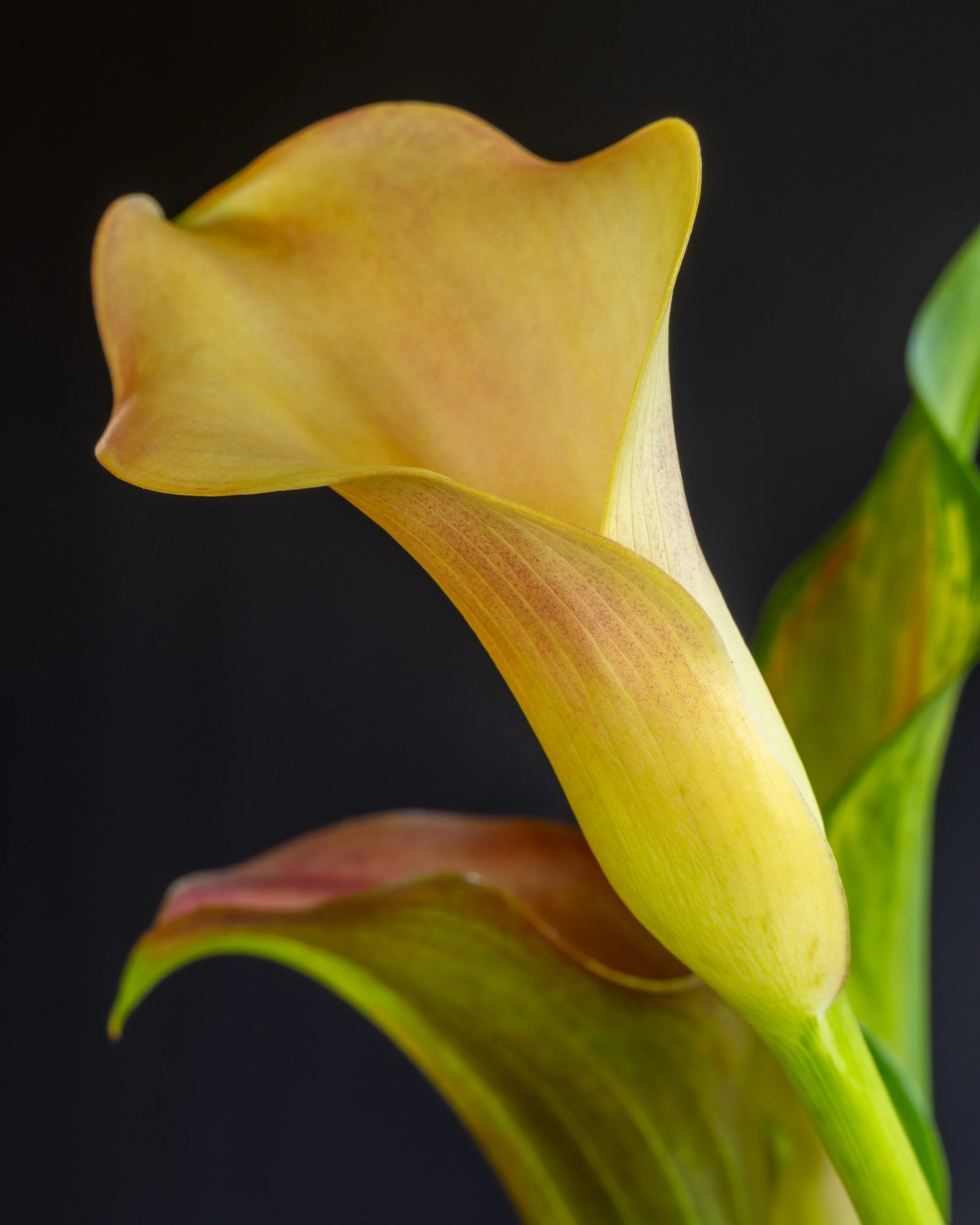
This image was taken at f/11, which represents the relatively sharp in focus image
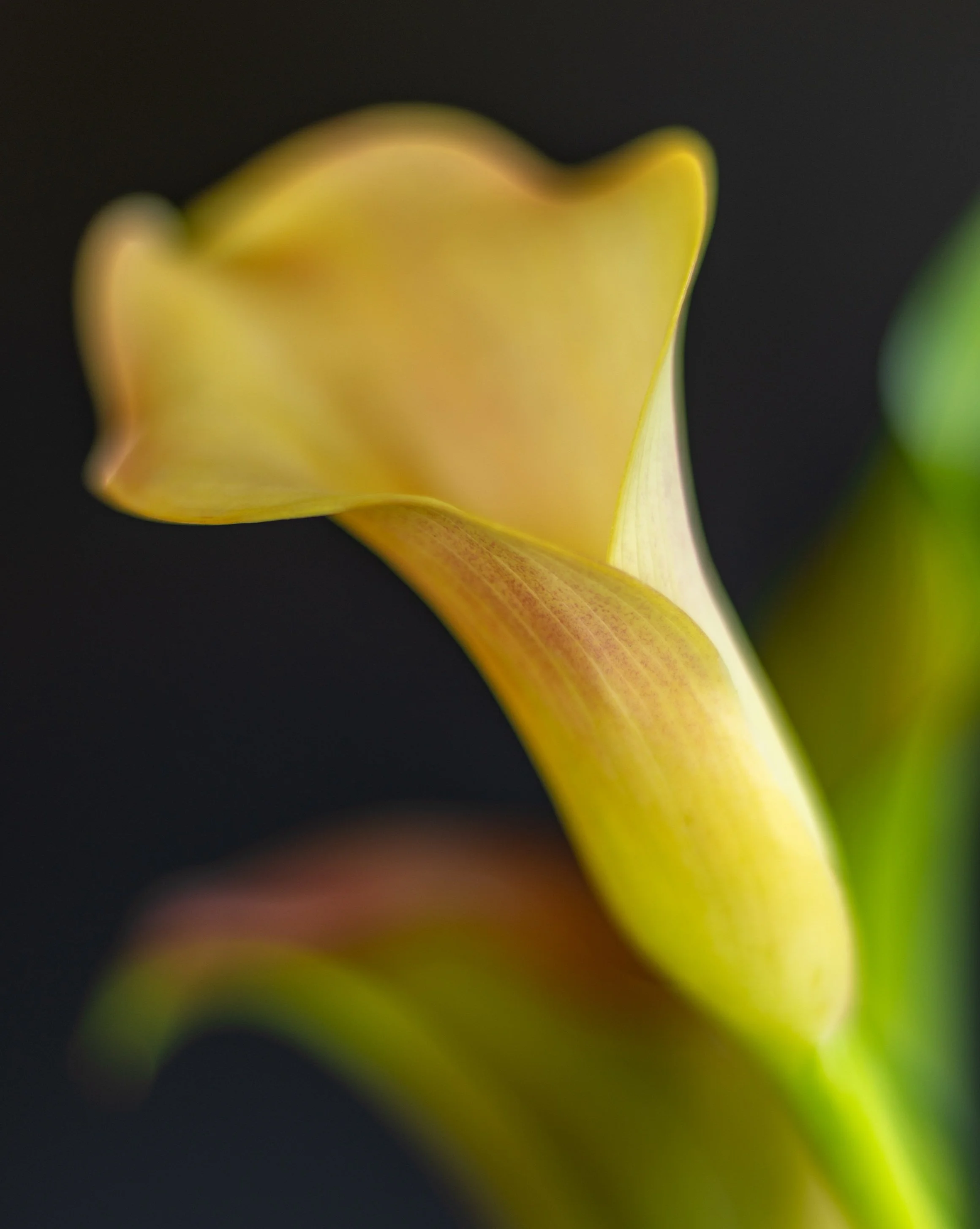
This image was taken at f/1.8 which represents the blurred image
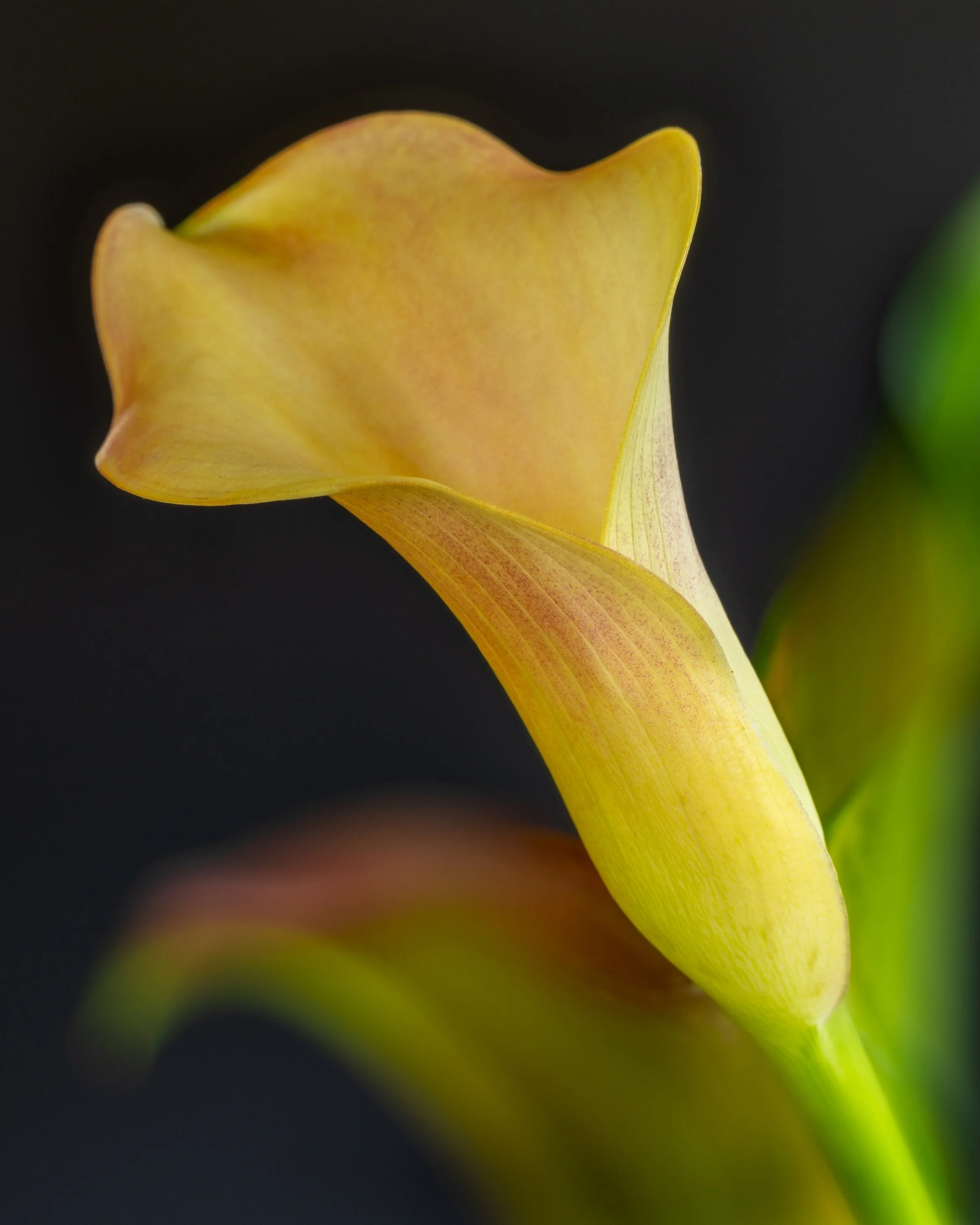
This is the final image where both in focus and blurred images have been blended in Photoshop
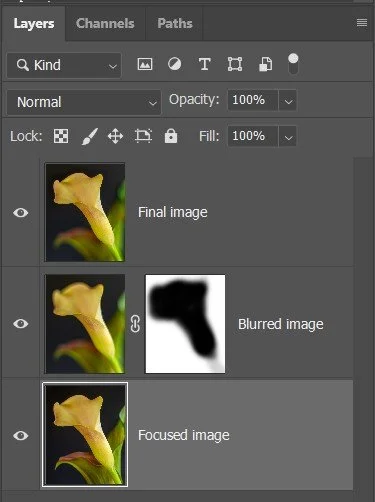
This is a screen capture of the layer panel in Photoshop showing both images and mask used in post-processing